My Design System
Color Tokens
Primary(e.g primary-500)
100
200
300
400
500
600
700
Neutral (e.g neutral-100)
50
100
200
300
400
500
Semantic: Mapped to base tokens to ensure scalability and flexibility
color-text-interactive
color-text secondary
color-text-primary
color-text-on-primary
Text
Surface
color-border-default
color-bg-primary
color-surface
Assistive
Feedback
Indicator
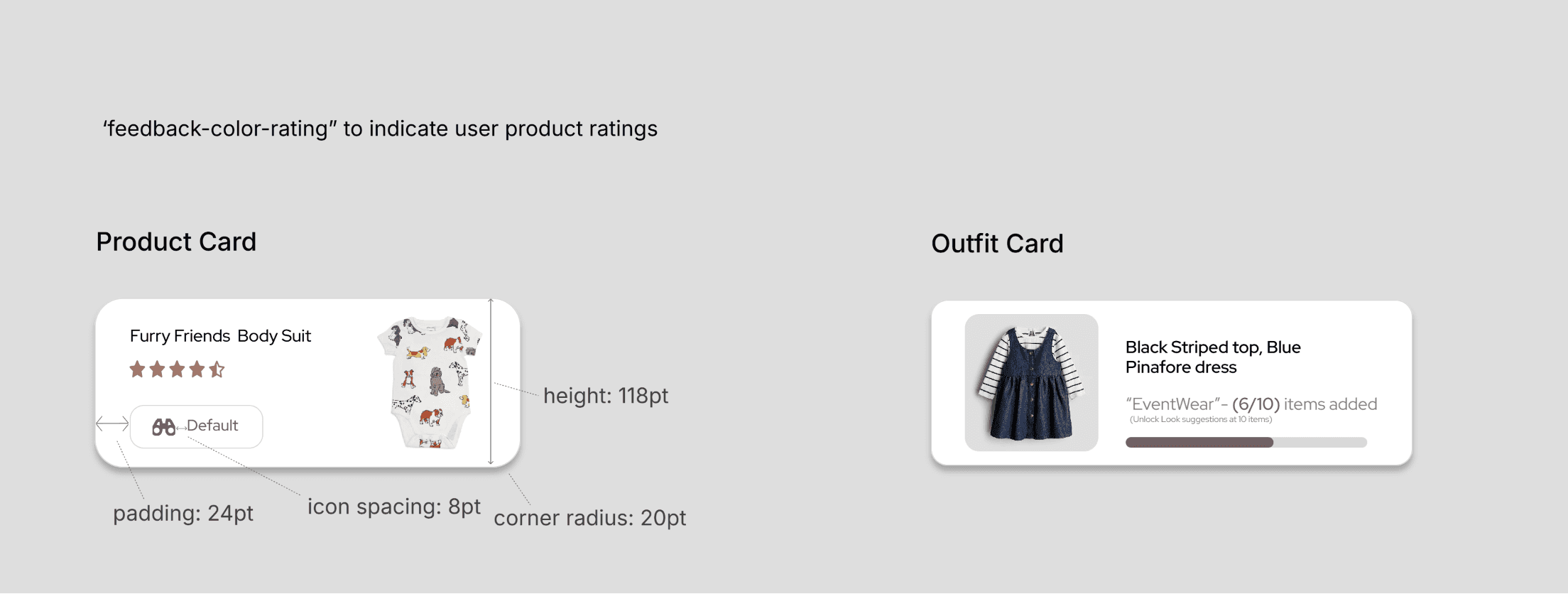
color-rating
color-notification
color-overlay-bg
color-overlay-text
color-success
color-error
Spacing and Layout
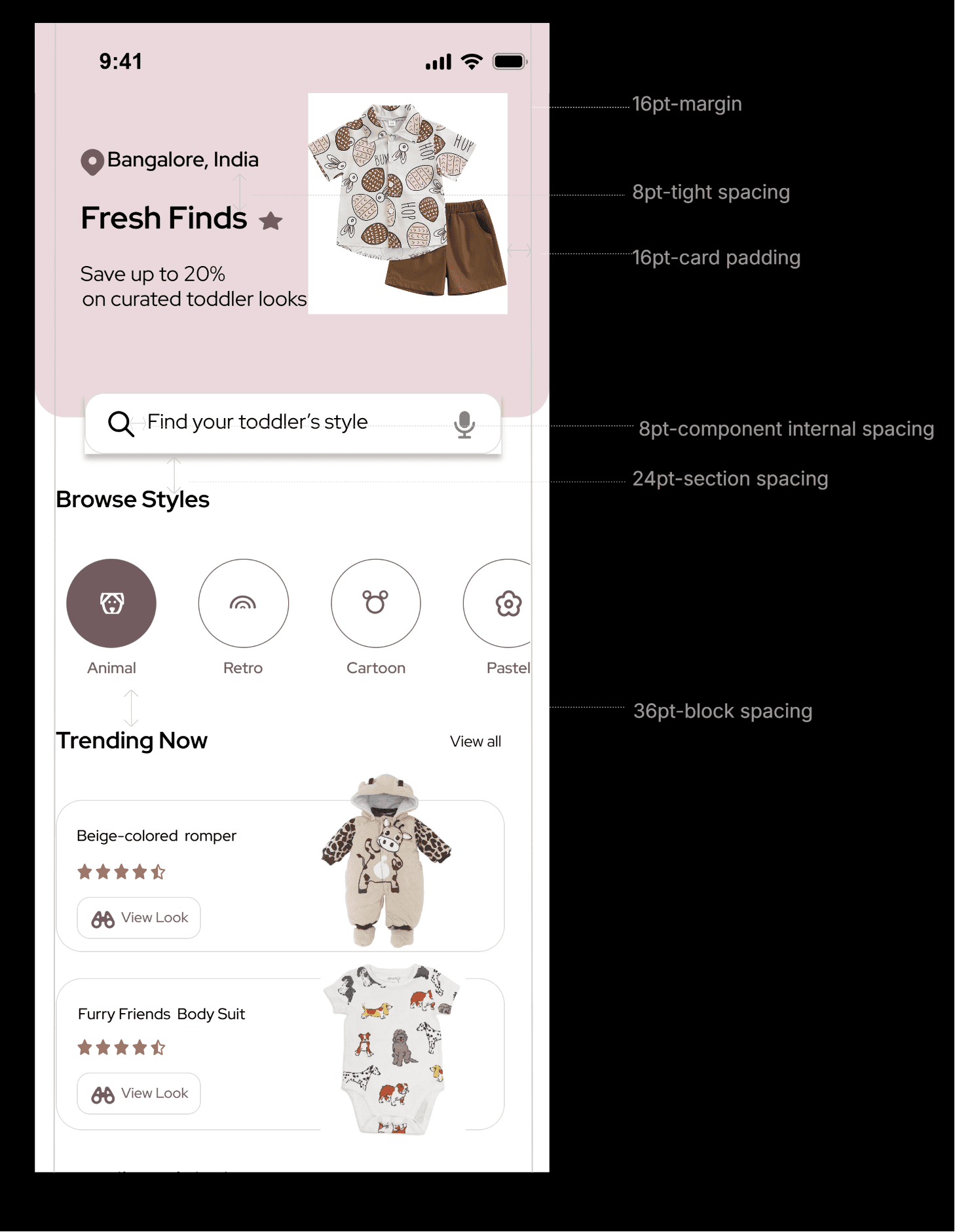
Built on a restrained 4 pt grid and consistent vertical rhythm to maintain readability across mobile layouts.
Spacing Scale
All spacing values are multiples of 4pt to maintain consistent rhythm and alignment across components.
4pt-Micro Spacing
8pt-Tight Spacing
16pt-Default Spacing
24pt-Section Spacing
32pt-Block Seperation
48pt-Major Seperation
Layout Grid
Example: Product Card Layout
Components
Core reusable UI components built on the defined color, typography, and spacing system.
Buttons
Primary Button
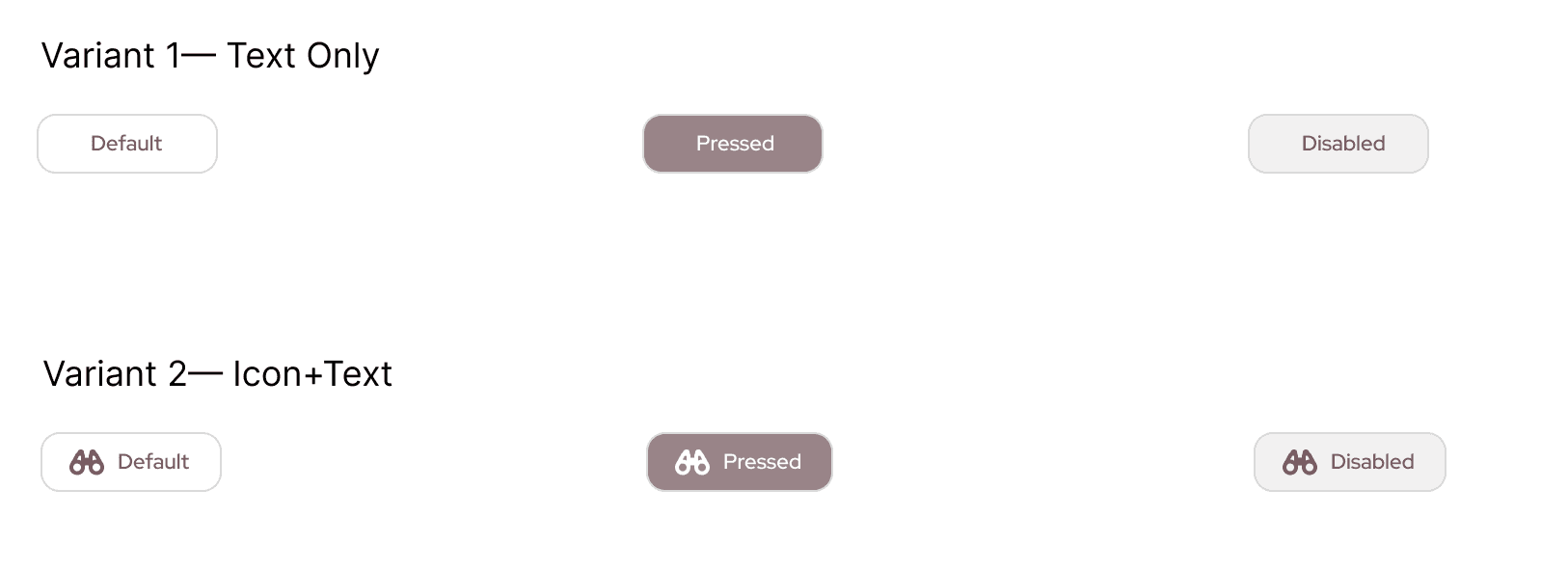
State system follows: Default → Hover → Active → Disabled hierarchy across interactive components.
Secondary Button
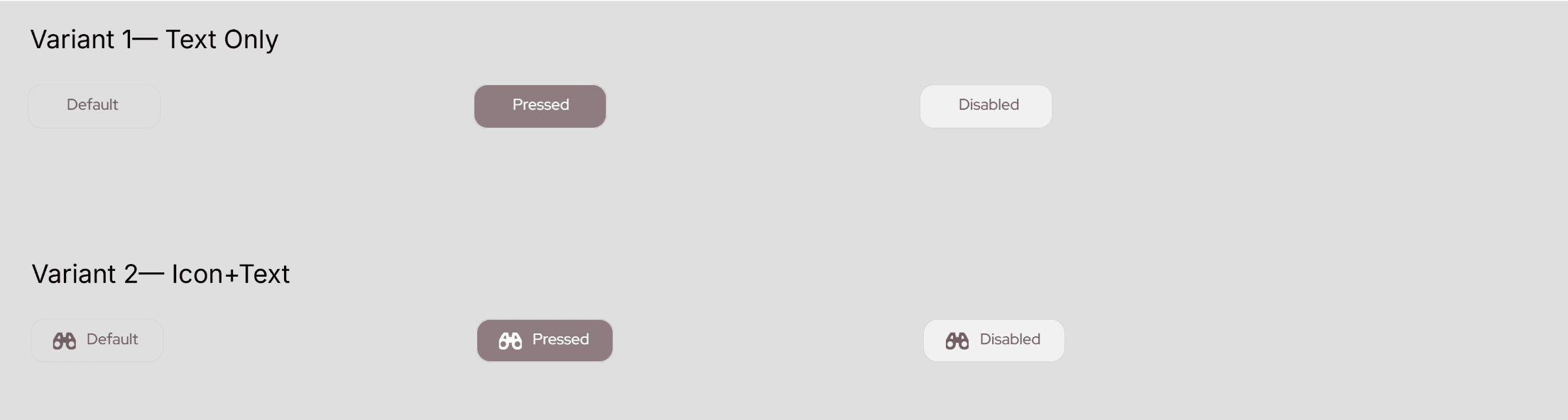
Tertiary Button
Tertiary buttons are used for low-emphasis inline actions within content areas.


Selection Controls
Filter Chip
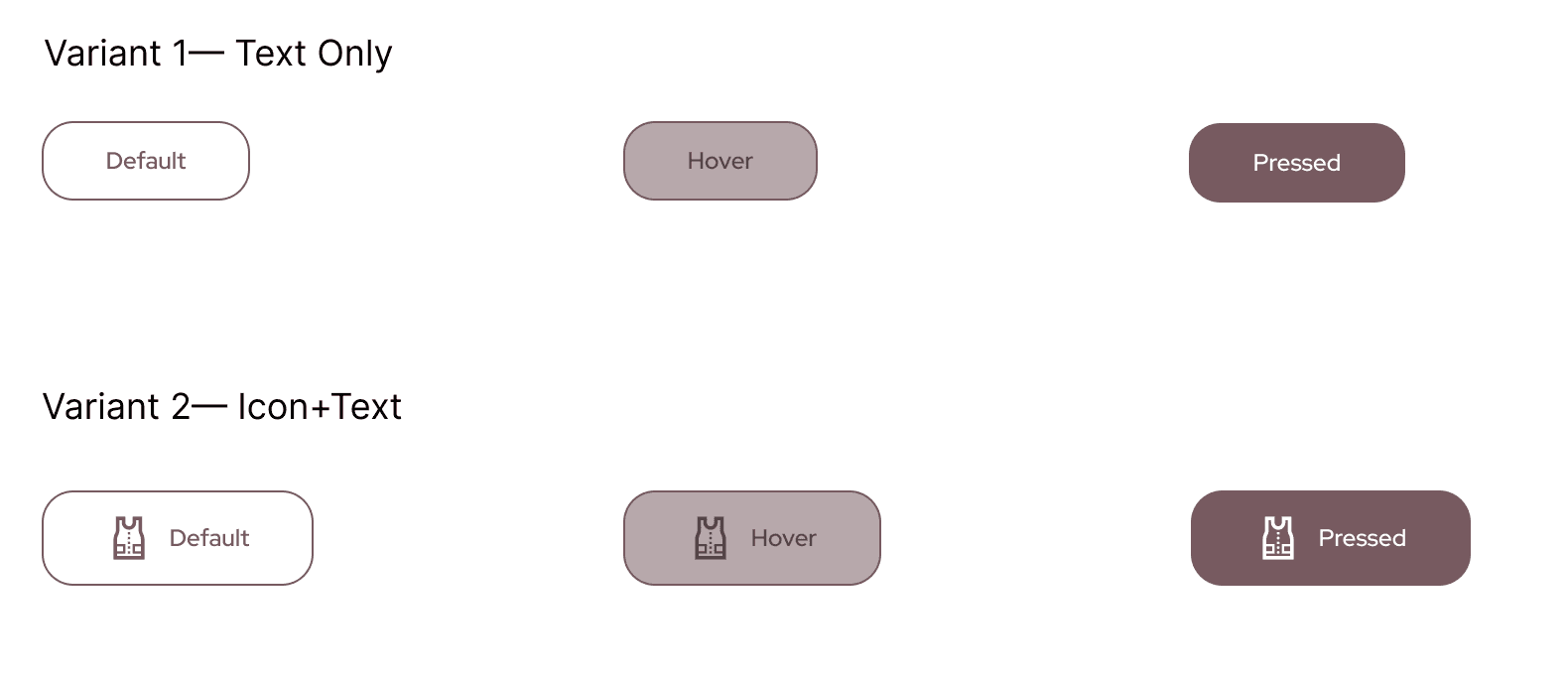
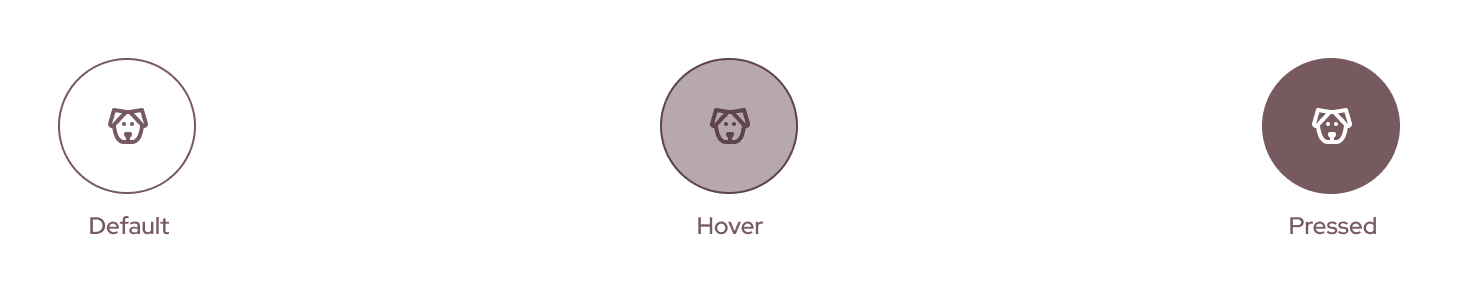
Icon Selection
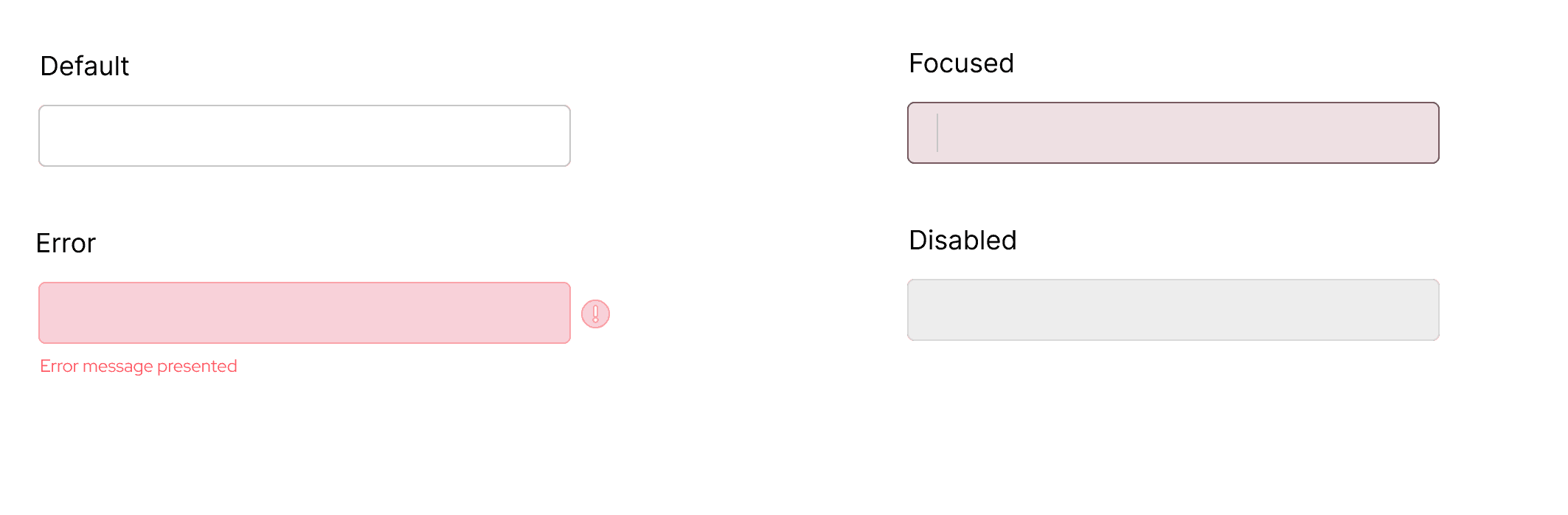
Input Fields
Cards
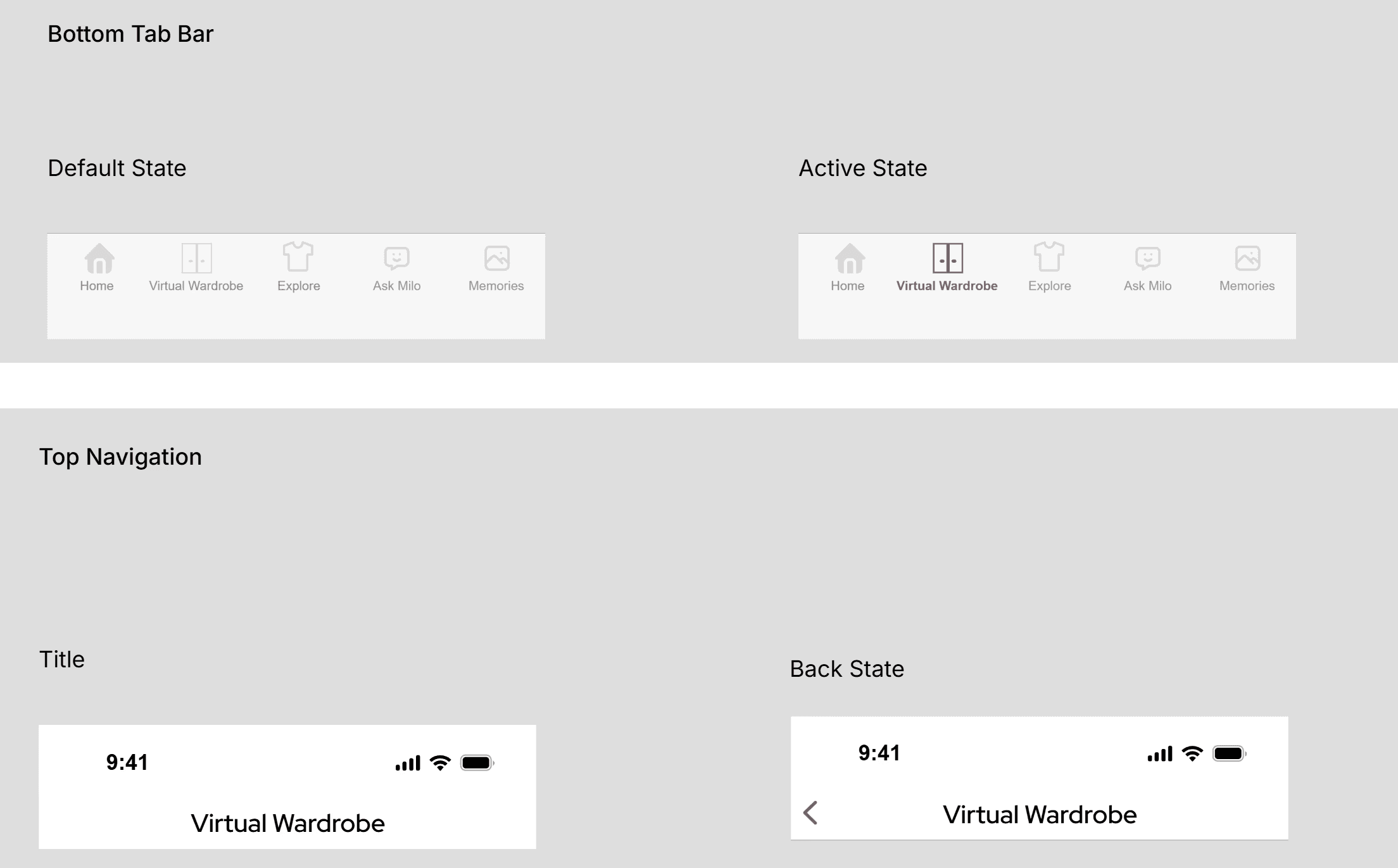
Navigation
Overlay
Upload Assist Tooltip(Non-Blocking Overlay)
Non-blocking contextual tooltip triggered on hover
Upload item
Uses ‘color-overlay-bg’ with ‘color-text-interactive’ to indicate tooltip overlay.
Applying the Design System
The final interface is built on a reusable token-based system.
Below are the interaction principles guiding the experience and examples of how components are applied across screens.
Interaction Principles
Feedback is immediate and subtle.
Interactive elements follow Default → Hover → Active → Disabled hierarchy.
Error states use color + icon + message for clarity.
Navigation preserves scroll state to maintain context.
Non-blocking overlays are preferred over modals.
Annotated Screens
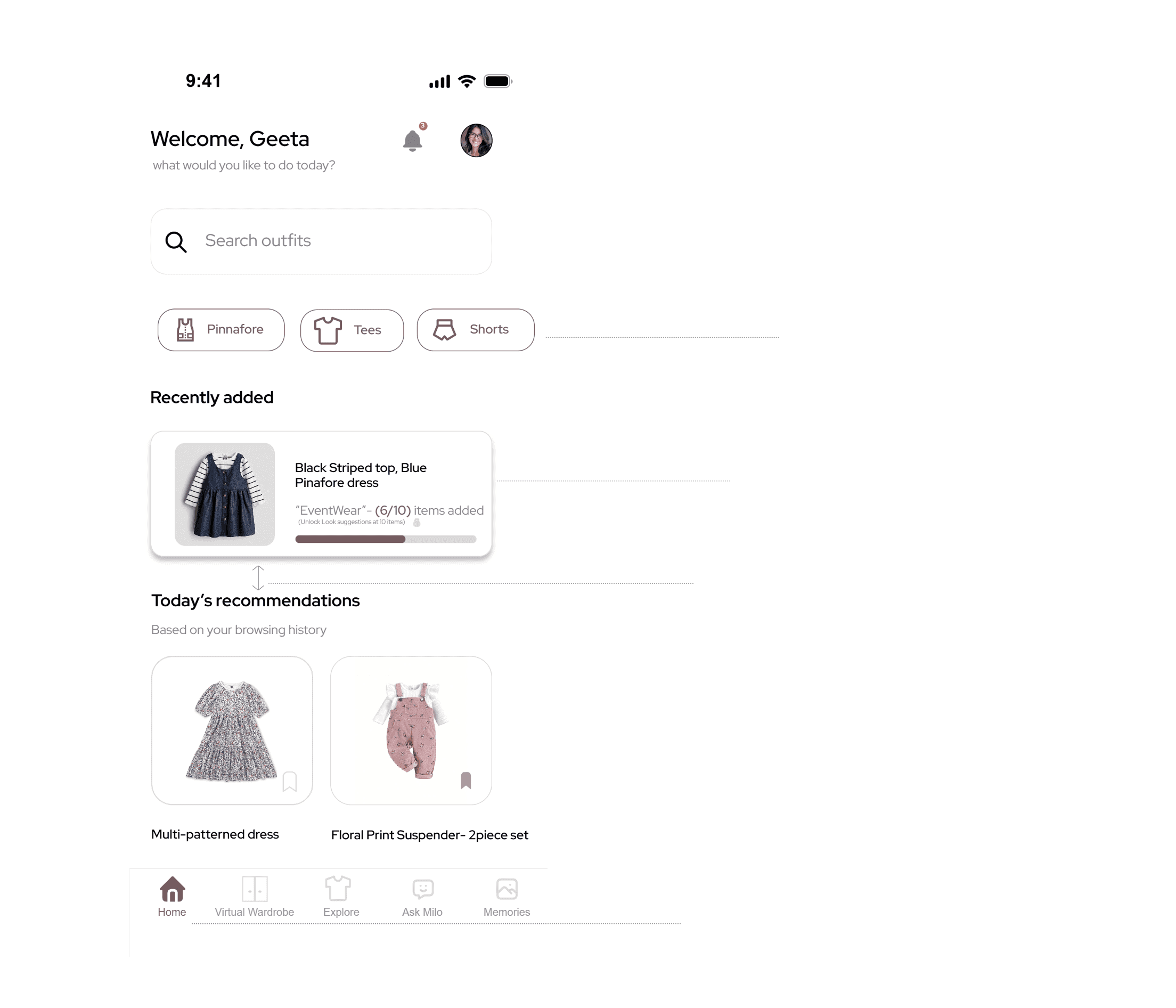
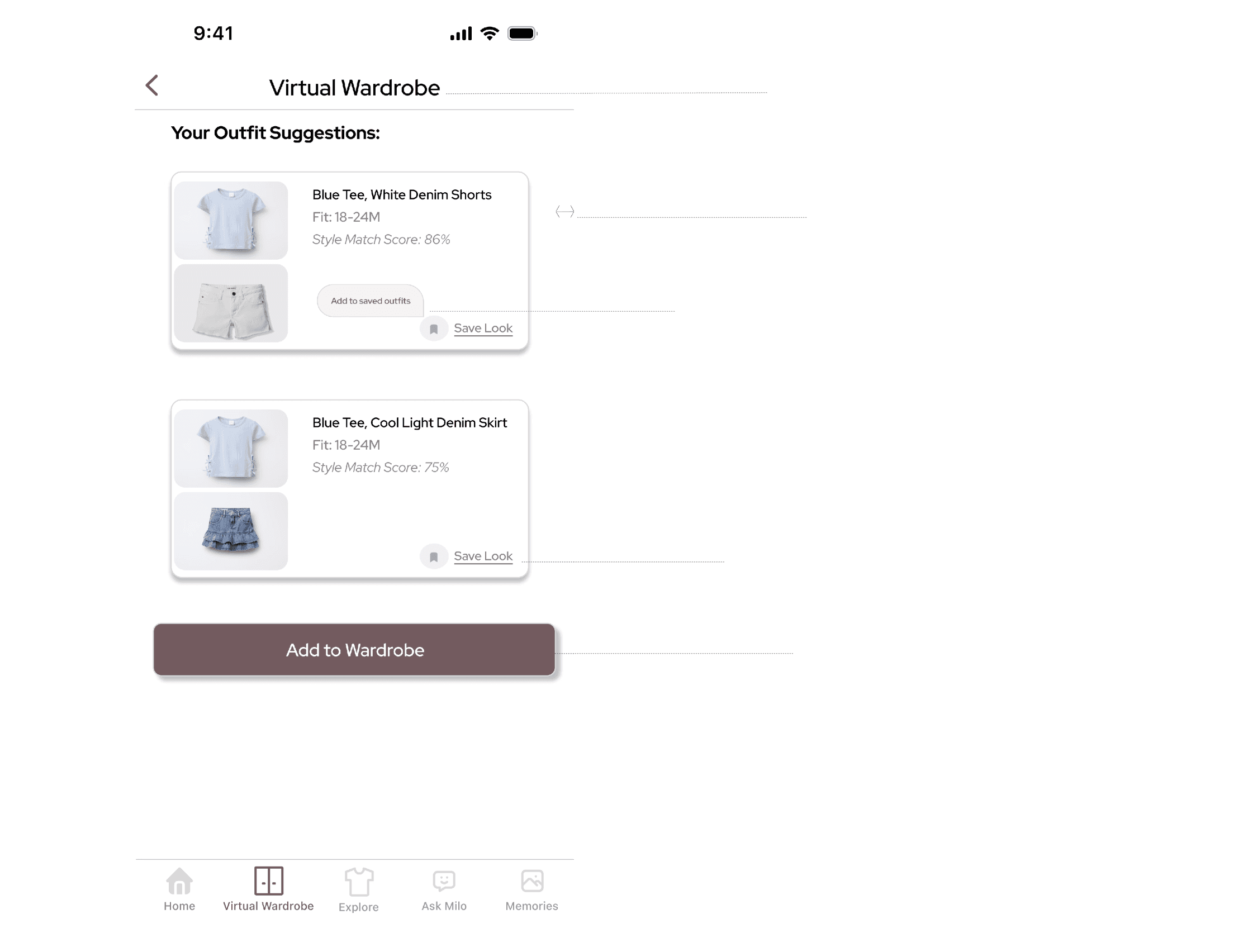
Below, key screens are annotated to demonstrate component reuse, layout rhythm, and interaction consistency.